
Free Clay Cutter STL Generator
Turn simple silhouettes into custom polymer clay cutter STL files for earrings, crafts and handmade projects.
Images processed in your browser · STL download · Free to use
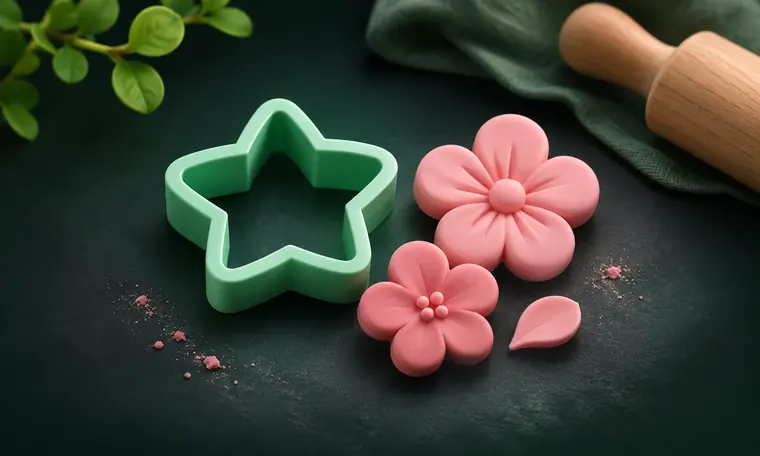
What can this tool create?
For clay earrings and small craft shapes, a cutter outline needs to be smooth and strong enough to survive repeated use. The Clay Cutter mode gives you control over wall thickness, height and edge cleanup. Unlike an image mockup, the preview shows the same generated STL mesh you will download.
How to create your STL
Choose a clean silhouette. If the design contains thin protrusions, try a larger size or simplify those parts before converting.
In the Studio, choose Clay Cutter, upload the image and refine the Live Trace threshold and smoothing controls. Set your intended width in millimetres.
Inspect the 3D model from perspective, top, side and underside, then download and slice it with your selected nozzle and material profile.
Tips before 3D printing
Can I create polymer clay earring cutters?
Yes, simple earring-shaped silhouettes are suitable inputs. Fine interior features may need a smaller nozzle and careful print settings.
Why do corners sometimes look rough?
Low-resolution source art or aggressive image sensitivity can create uneven traces. Use a high-contrast source and compare the trace and 3D preview.
Does it generate an embossing pattern too?
The current Clay Cutter mode produces a cutter shape. Use the separate Stamp mode for relief designs; a matched cutter-and-imprint set is not automatic yet.
Explore related free tools
Different objects need different geometry. Choose the generator that matches what you want to print.
Ready to make your first STL?
Upload a simple shape, check the outline and preview the actual mesh.