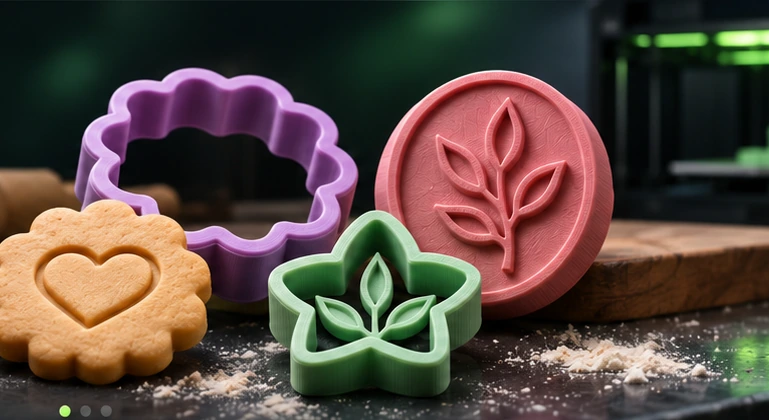
Turn Any Image into a 3D Printable Model
Create custom cookie cutters, clay cutters, and stamps in seconds. Upload your image, generate a precise STL, and print it on your 3D printer.
Choose a Tool
Three powerful generators for your 3D printing projects.
How It Works
Create your 3D model
in 3 simple steps.
Upload Image
Use a logo, drawing, or simple shape.
Generate 3D
We convert it into a printable model.
Download STL
Get your STL file and start 3D printing.
From a simple idea to an actual object.
Each tool is built around straightforward shapes and clean silhouettes.
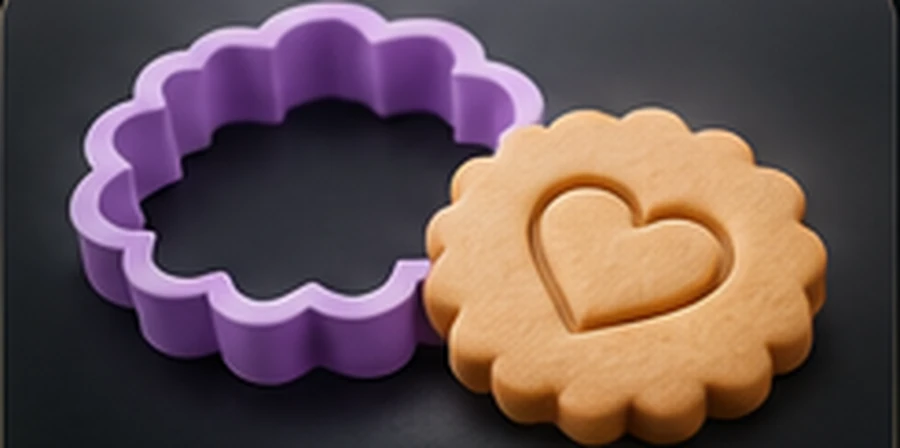
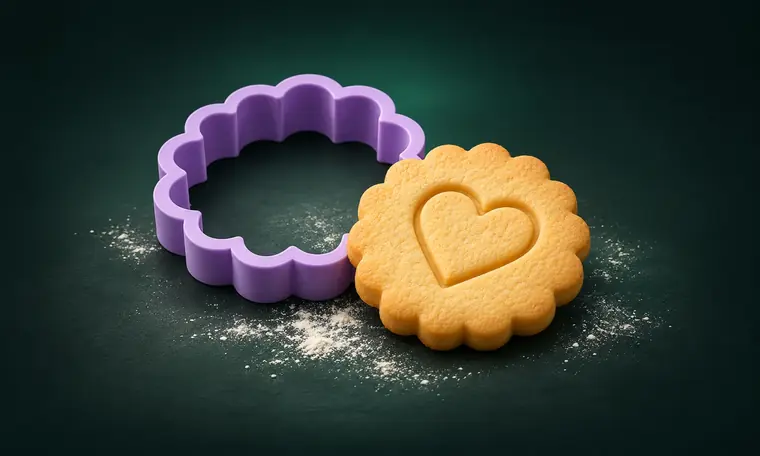 Cookie Cutters
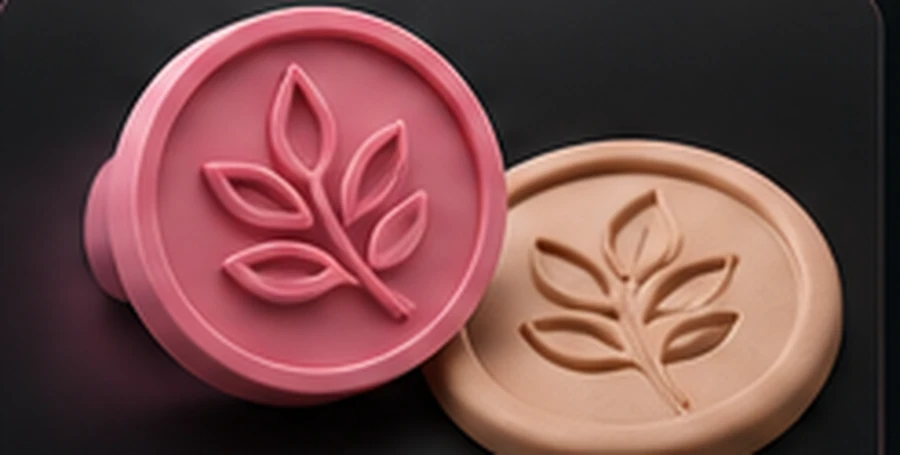
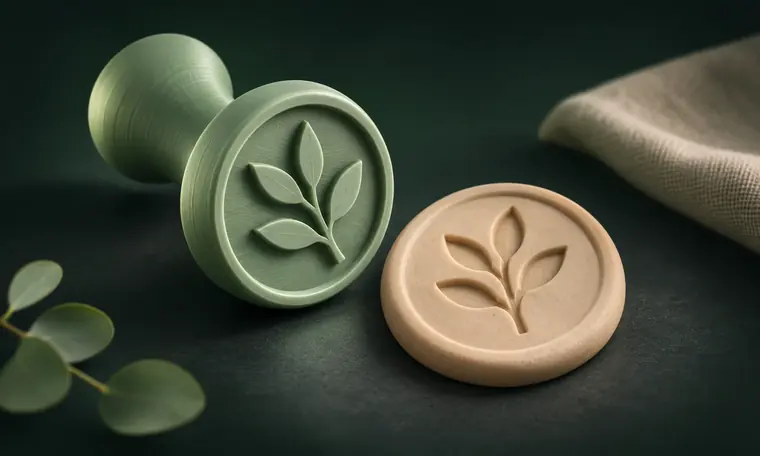 Custom Stamps
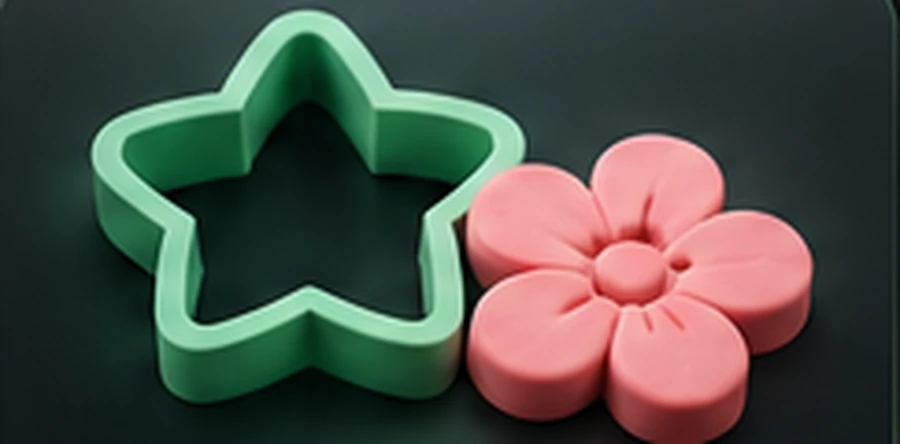
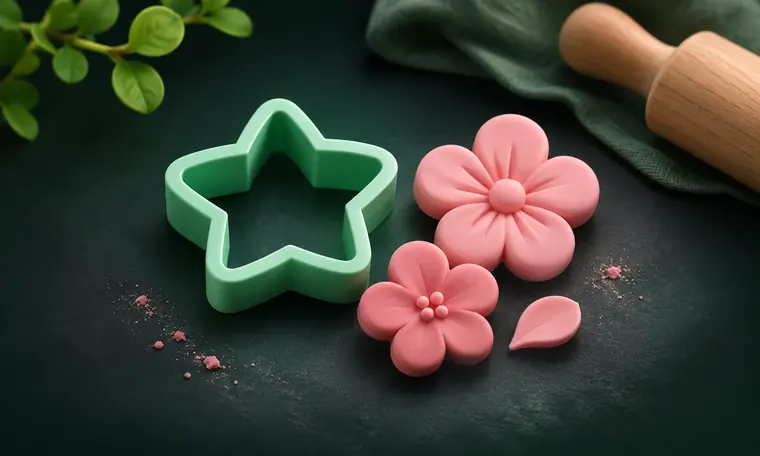 Clay Cutters
Product photos shown as illustrative renders. Actual printed results depend on model geometry, material, slicer, and printer.
Built for makers.
Free to create.
A genuinely free prototype: your images are processed locally in your browser, with no login or credits.
Does Gourida 3D Studio create real STL files?
Yes, the generator exports binary STL geometry from your uploaded logo or silhouette. Check wall thickness and test-print it before production.
Which 3D printers can I use?
Gourida 3D Studio exports standard STL files for many 3D printers. Popular FDM/FFF brands include:
Import your STL into a slicer such as Bambu Studio, PrusaSlicer, UltiMaker Cura, or OrcaSlicer, select your exact printer and material profile, inspect the orientation and wall thickness, then slice and test-print. The STL is a model file, not a printer-specific print command; results vary by printer and settings.
Does it turn any photo into a full 3D figurine?
Not yet. The current tool targets clean silhouettes for cutters and stamps, not full 3D reconstruction from photographs.
Do I need to create an account or enter my email?
No. You can generate and download STL files for free without signing up or providing an email address. An optional updates list may be added later, but it will never be required to use the free generator.
Your next great print starts with an image.
Explore free tools. No sign-up, no credit card.